Your taste profile
Your rejections, favorites, and staples condensed into a visible taste profile — and a note on how this week's plan adapted to it.
№ 01 · Issue · Weekly Menu
Set your preferences, allergens, and calorie targets — AI drafts a 7-day, 21-meal plan in seconds. Snap one photo of your fridge to register what you already have; the shopping list sorts itself by supermarket aisle and subtracts your inventory. Every nutrition value cites a specific USDA FoodData Central entry — view it, reject it, or correct it.
USDA FoodData with a source behind every number
Coming soon to the App Store · English, 简体中文, 繁體中文, 日本語
№ 02 · What it does
One pipeline from “what's for dinner” to “groceries done”.
A 7-day, 21-meal plan built around your preferences, allergens, calorie and protein targets. Swipe left to replace any meal while the week stays balanced.
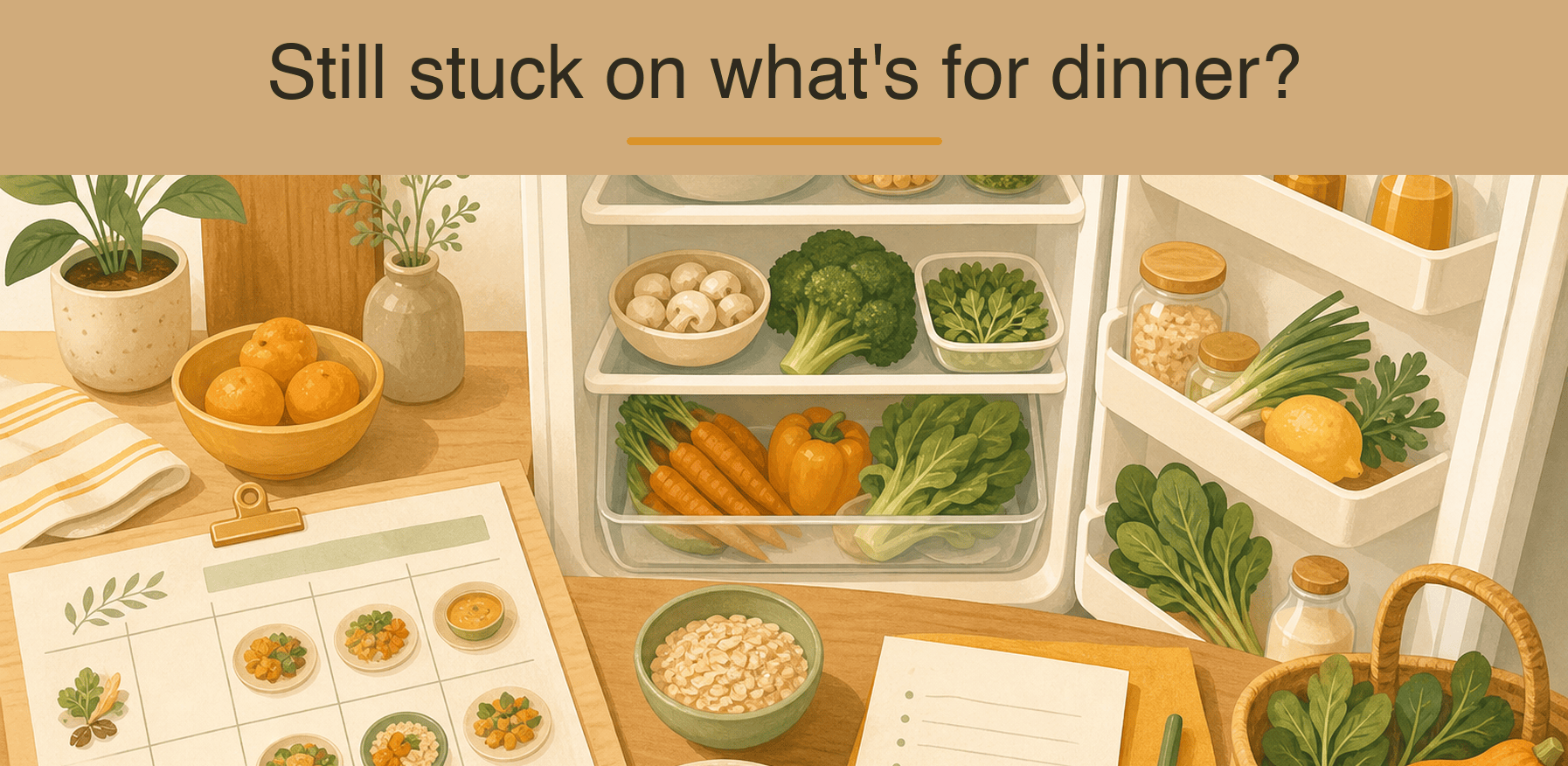
One photo of your fridge — AI identifies the main ingredients and rough quantities into your inventory. Low confidence? It asks for a closer shot instead of guessing.
The whole week's ingredients merged and de-duplicated, sorted into five aisle groups, with what's already in your fridge subtracted. Check items off offline.
Tap once after a meal to log calories and macros, with 7-day and 30-day trends. Every value carries a USDA source id.
Browse past weeks, star the ones you loved, and reuse them in one tap — the grocery list re-adjusts to your current inventory.
Long-press any nutrition value to see the original USDA entry, then reject, edit, or approve it. Values without a verifiable source are blocked and never rendered.
№ 03 · How it works
Five minutes on Sunday night, zero decisions for the rest of the week.
Photograph your fridge so AI knows what you have; set cuisine preferences, allergens, and calorie / protein targets.
AI drafts 21 meals with per-meal nutrition labels. Swipe to replace anything — the weekly balance holds automatically.
An aisle-sorted list with your inventory already subtracted. Check off items offline; anything unbought carries over to next week.
№ 04 · Roadmap
Planned for future versions — subject to change.
Your rejections, favorites, and staples condensed into a visible taste profile — and a note on how this week's plan adapted to it.
Every fridge scan builds an inventory timeline with expiry reminders; plans prioritize ingredients about to expire.
Pause your subscription and keep your full taste profile, inventory, and nutrition history intact for when you return.
The roadmap is informational and not a commitment; release timing is announced in-app.
№ 05 · Pricing
Subscriptions are processed by the App Store. Cancel anytime. Prices in USD.
The full core loop
For serious weekly planners
Best value for the long run
№ 06 · Frequently asked
Nutrition values cite specific entries in USDA FoodData Central, the U.S. Department of Agriculture's public database. Long-press any value to see the original record. The AI is not allowed to invent numbers — values that fail source validation are blocked and never shown. Where no exact match exists, an approximation from a similar entry is used and clearly flagged.
No. CookCanvas is a meal-planning aid. Its content is informational only and is not medical, nutritional, or weight-management advice. If you have a health condition or dietary prescription, consult a registered dietitian or physician.
Not by us. Photos are transmitted only to perform the recognition for that request and are discarded once processed. The resulting ingredient list is stored locally on your device to offset your shopping list.